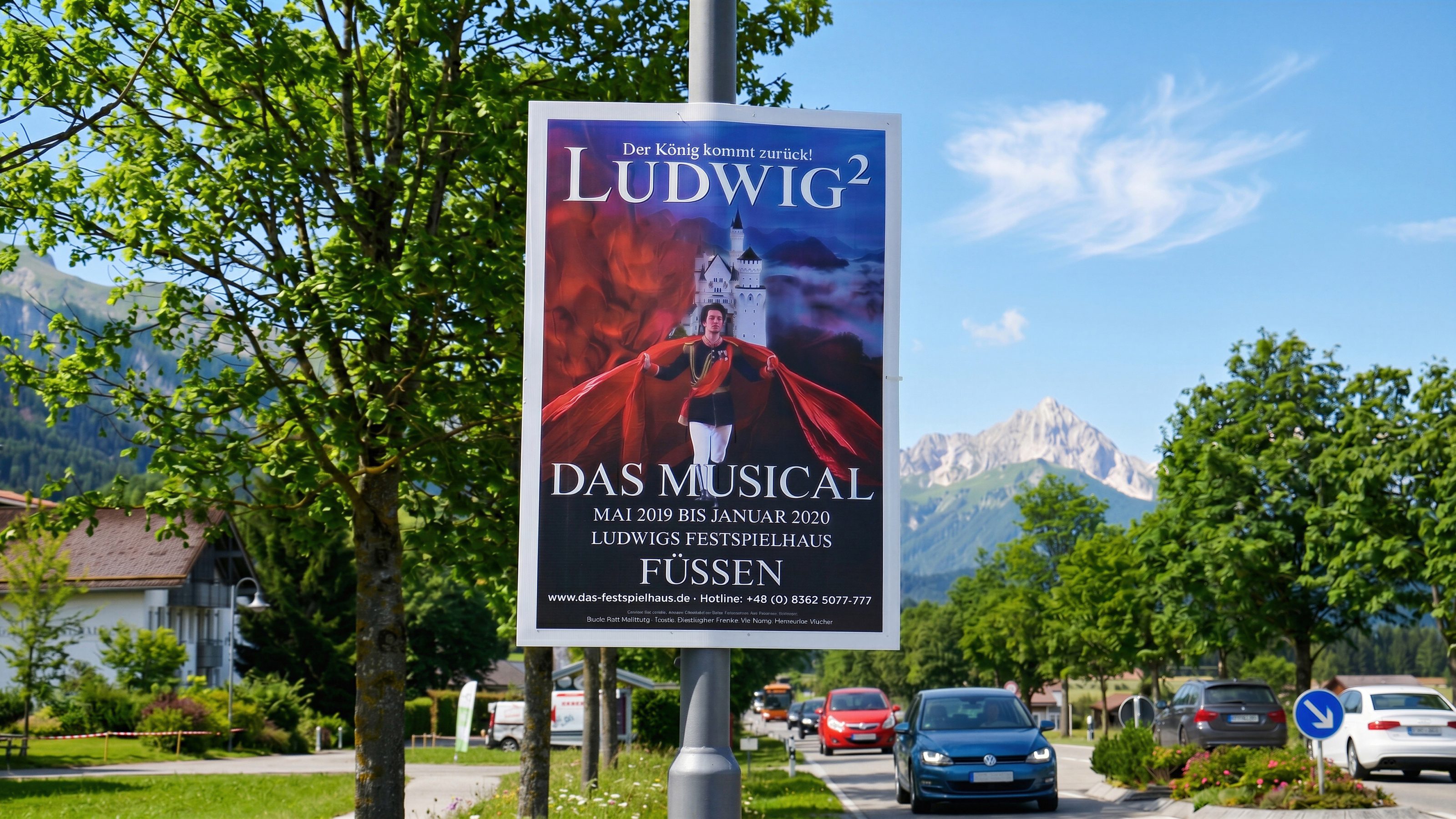
Election posters, event posters, and outdoor media
Street poster campaigns in Wangen im Allgäu
Wangen im Allgäu is a useful poster campaign location between Allgäu, Lake Constance, and Upper Swabia.
Election posters, event posters, and outdoor media
Make posters visible reliably in Wangen im Allgäu
Election posters, event posters, and street poster campaigns are prepared with print data, permits, quantity, and runtime in one plan.
Most clients already have finished artwork. Bavamont handles execution: technical print data checks, permits, production only when needed, mounting, checks, and removal.
Wangen im Allgäu
For elections, events, and promotions
Permits
We handle required permits and consider deadlines, conditions, and municipal requirements.
Election posters
Election posters need to be visible at campaign start and removed after the deadline.
Event posters
Event posters are aligned with date, audience, and regional visibility.
Mounting and removal
Mounting, checks, removal, and disposal are prepared around the agreed timing.
Street poster campaigns
Prepare an enquiry for Wangen im Allgäu
For Wangen, a reliable process matters because regional campaigns often connect several places and dates.
Useful for the enquiry
- Location, desired area, and runtime
- Campaign type: election posters, event posters, or promotion
- Format, quantity, and finished artwork
- Print data or note if production is needed
- Date when posters need to be visible
Request street poster campaign in Wangen im Allgäu
Send occasion, timing, quantity, and print data. Bavamont plans permits and poster campaigns in Wangen.