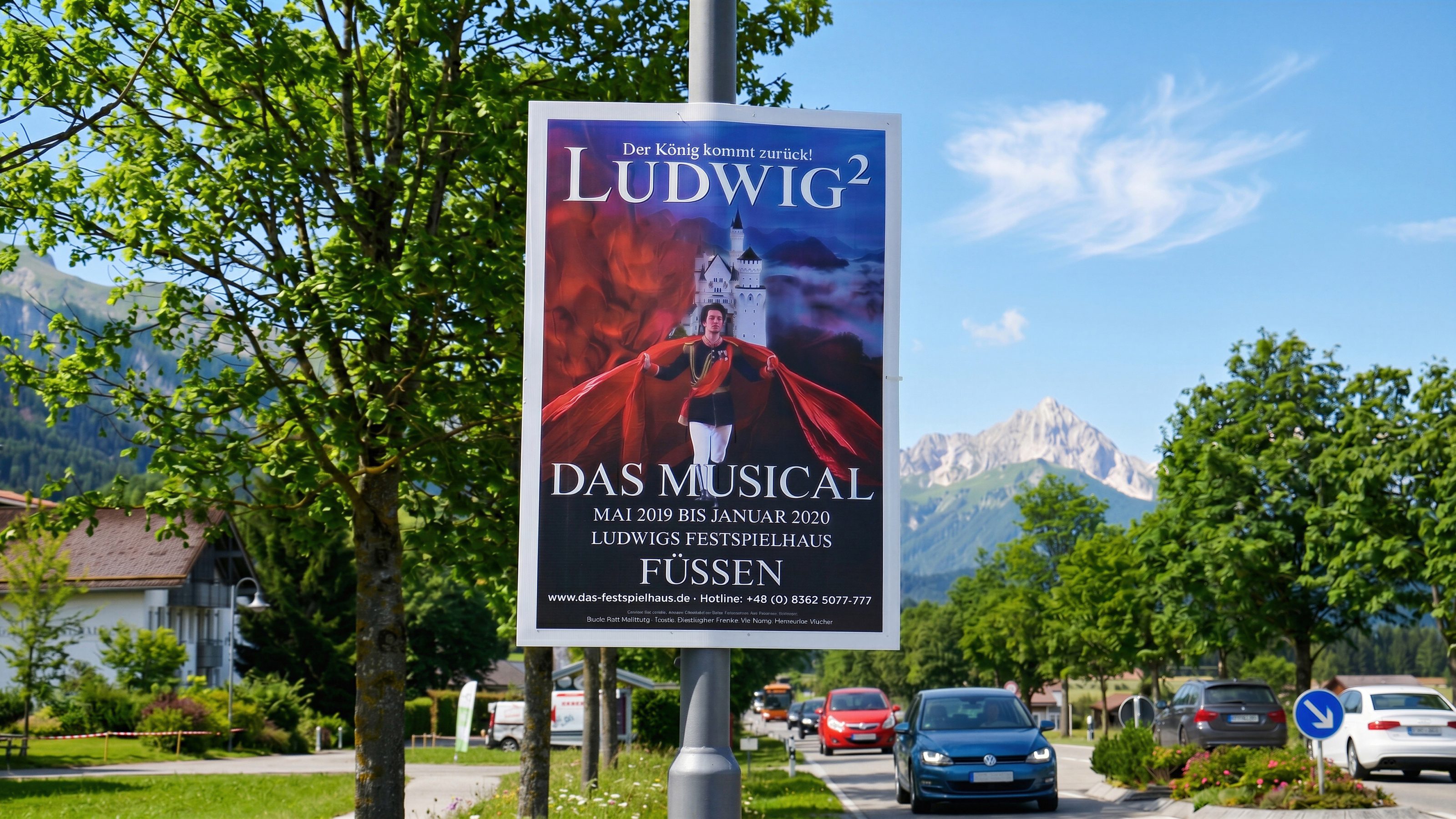
Election posters, event posters, and outdoor media
Street poster campaigns in Kempten
For Kempten, Bavamont plans poster campaigns with finished artwork: print data checks, permit handling, production if needed, area coordination, mounting, and removal.
Election posters, event posters, and outdoor media
Kempten needs poster campaigns with timing
For election posters, event posters, or campaign posters, timing matters most. Posters need to be visible in time and removed on schedule after runtime.
Artwork usually comes from the client. Bavamont focuses on print data checks, permit handling, production if needed, area, mounting, checks, removal, and disposal.
Kempten
Services for Kempten
Data and permits
Finished artwork is checked technically; required permits and municipal requirements are handled by us.
Target area and runtime
City area, timing, quantity, campaign goal, and permit path are coordinated concretely.
Mounting and removal
Mounting, checks, removal, and disposal are planned into the process.
Election and event posters
Suitable for election posters, event posters, promotions, and regional outdoor media.
Street poster campaigns
What is clarified before poster campaigns in Kempten
The earlier area, runtime, quantity, print data, and permit path are clear, the better implementation can be planned.
Useful for the enquiry
- Location, desired area, and runtime
- Campaign type: election posters, event posters, or promotion
- Format, quantity, and finished artwork
- Print data or note if production is needed
- Date when posters need to be visible
Request street poster campaign in Kempten now
Send timing, quantity, format, and print data. Bavamont clarifies process, permits, and execution for Kempten.